
在今年2015.6.23時Facebook已經停止RSS訂閱的模式,變成JSON格式使用,這可麻煩啦~平常有在使用RSS閱讀器來追蹤各粉絲專頁的用戶就不知該如何是好,還好有人架了這個FBRSS服務 , 可以把JSON轉成RSS來訂閱,由於Facebbok的限制,所以此服務只能訂閱粉絲專頁的貼文,另外,這個訂閱服務是有時間限制的,大約是2個月的時間就要重新登入FBRSS來重新抓取RSS訂閱位置,這點要請大家多多注意啦~
第一步:連上http://fbrss.com/
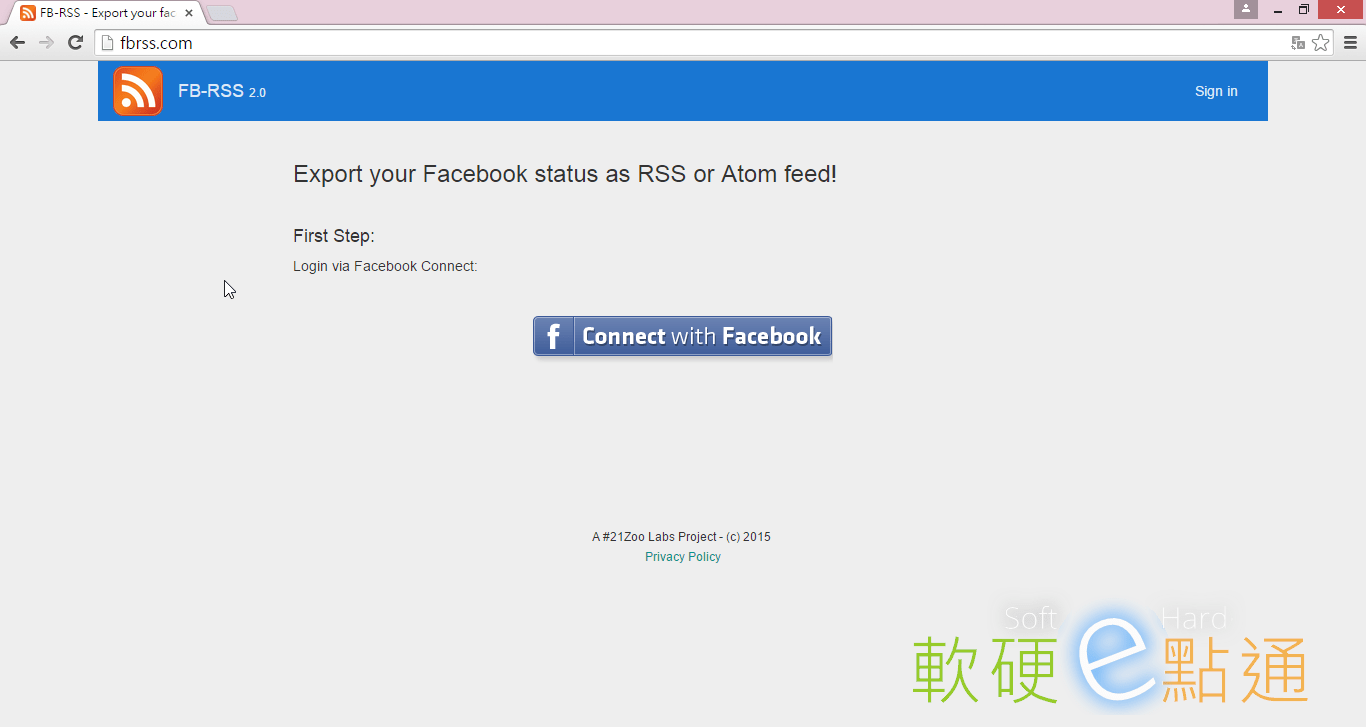
第二步:對應到你的臉書帳號,並且同意使用這個FBRSS服務
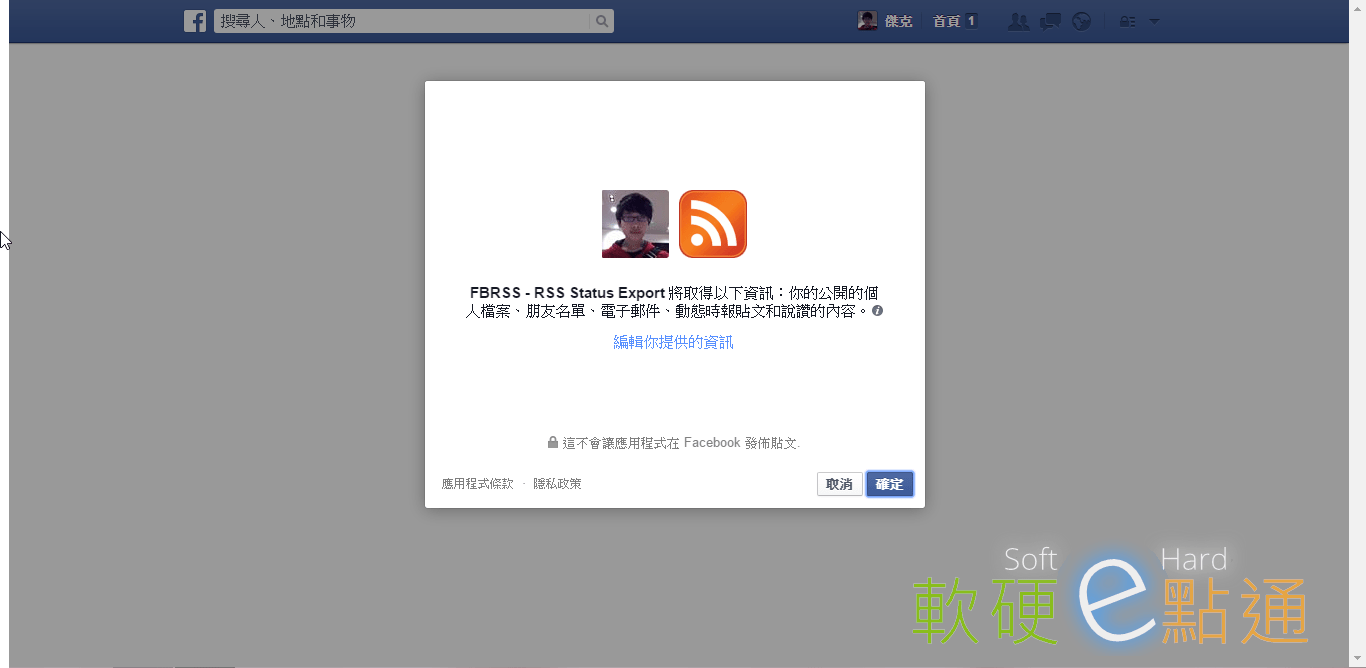
第三步:確認後重新導向完成,就可以看到[Your FB API access token expires:日期]時間大約2個月(過期之後只要重新登入此服務抓取RSS地址即可~
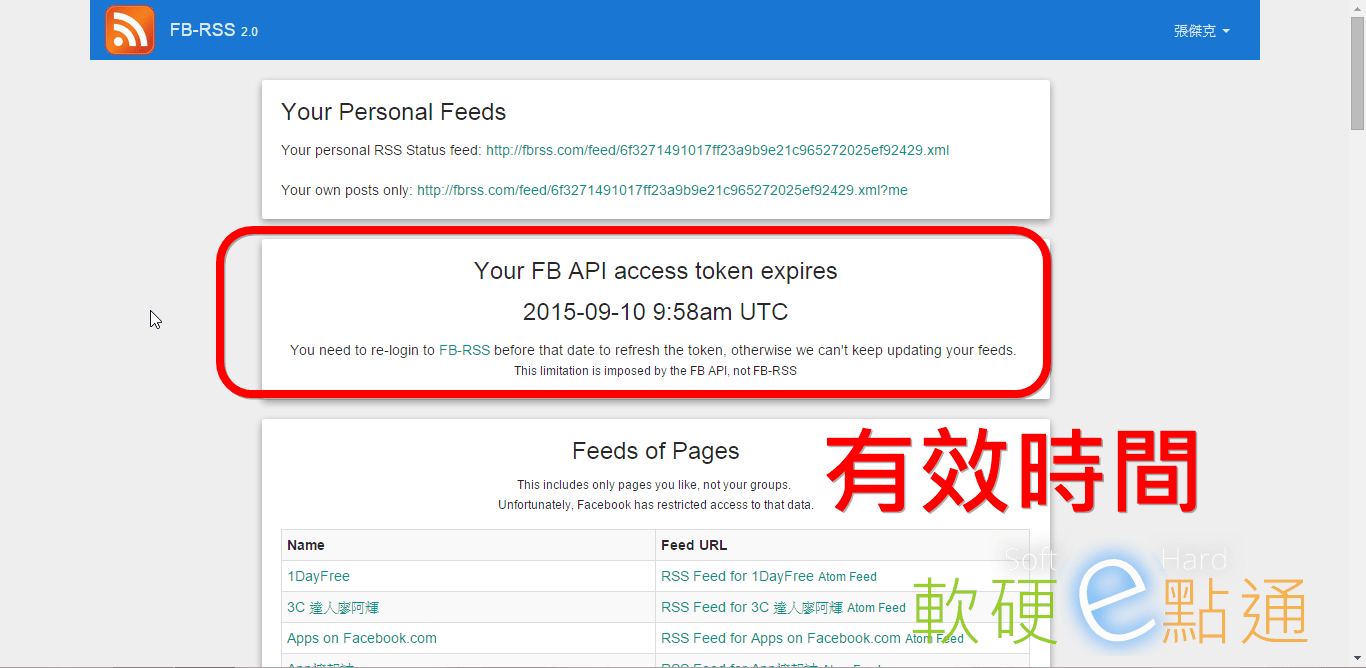
第四步:由於Facebook的限制,所以前只能有粉絲專頁的RSS訂閱地址(也有Atom的格式)
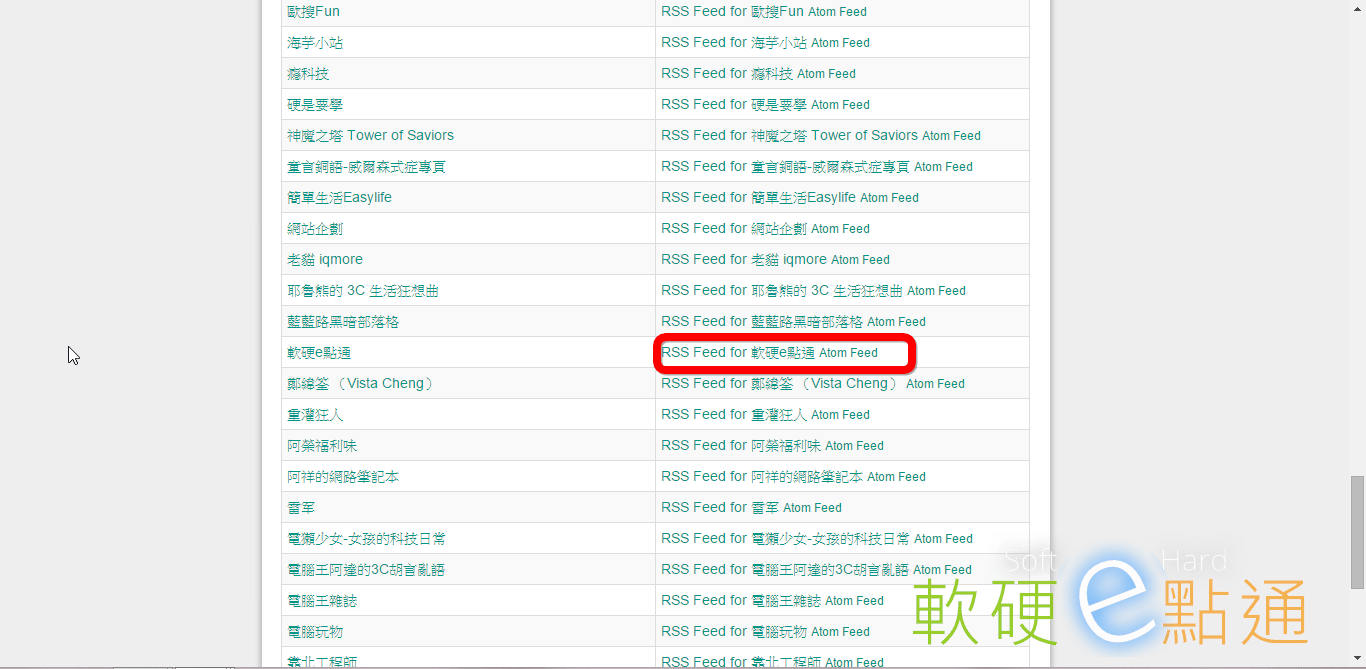
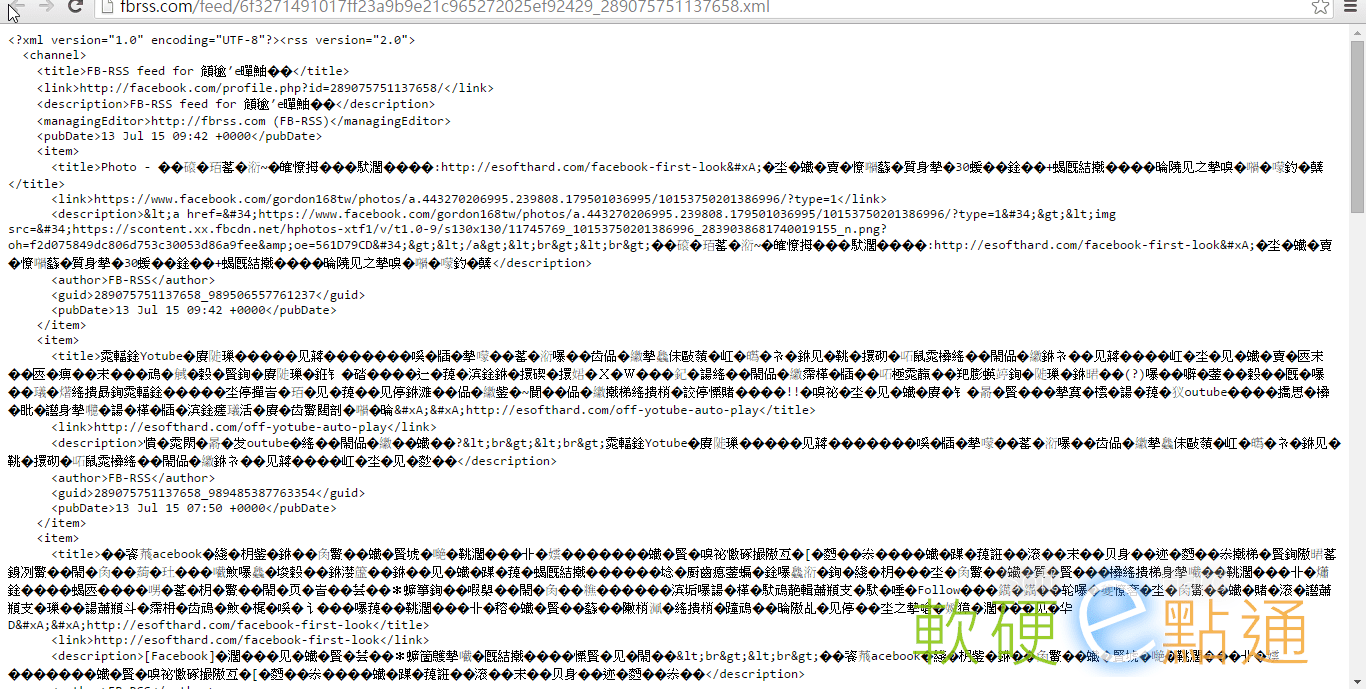
第五步:點擊[ RSS Feed for(粉絲專頁名稱)]即可得到地址,加入RSS閱讀器則可正常運作囉~

Hello I am so thrilled I found your web site, I really found you by error, while I was researching on Google for something else, Nonetheless I am here now and would just like to say many thanks for a marvelous post and a all round enjoyable blog (I also love the theme/design), I don’t have time to browse it all at the minute but I have bookmarked it and also added in your RSS feeds, so when I have time I will be back to read a great deal more, Please do keep up the awesome job.
I don’t think the title of your article matches the content lol. Just kidding, mainly because I had some doubts after reading the article.
Aby utworzyć profil, należy dokonać szybkiej rejestracji, podając adres e-mail i hasło. Wszystkie pozostałe dane o kliencie wypełnia się już po autoryzacji na stronie. Niestety, operator nie przewidział możliwości rejestracji za pośrednictwem popularnych serwisów społecznościowych, co jest powszechnie stosowane na stronach współczesnych polskich kasyn, takich jak Total Casino.
I don’t think the title of your article matches the content lol. Just kidding, mainly because I had some doubts after reading the article.
caliente – https://caliente-777.com
We’re a group of volunteers and opening a new scheme in our community. Your website offered us with valuable information to work on. You’ve done an impressive job and our entire community will be thankful to you.
Thank you for your sharing. I am worried that I lack creative ideas. It is your article that makes me full of hope. Thank you. But, I have a question, can you help me?
I am extremely inspired along with your writing
skills and also with the structure to your blog.
Is that this a paid topic or did you customize it yourself?
Either way keep up the excellent quality writing, it’s
uncommon to look a nice weblog like this one nowadays. Stan Store!